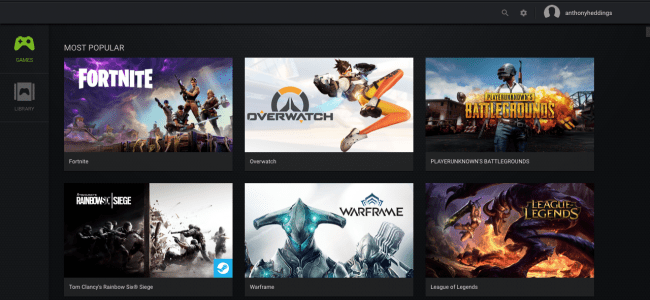
Streaming games is being a huge phenomenon in recent years. There are many Streamers online up there in YouTube and Twitch and on many platforms. It doesn’t meant that you require a heavy gaming setup just to stream the Game-play of yours. YouTube itself provides you with some basic live stream options with a control panel. But the panel will not have much options. So, here you can able to see some of the useful Applications for live streaming your games.
Omlet Arcade:
Omlet Arcade is well known for its most convenient collection of tools that can assist mobile gamers, the exclusive and highly interactive chat room and easy to share and upload facilities. Users love its intuitive functionality that makes content sharing on social media platforms like YouTube, Facebook and Twitch etc. much easier.


Download Here: (from playstore)
https://play.google.com/store/apps/details?id=mobisocial.arcade


 technifobia.tech.blog